February 5th, 2026
New
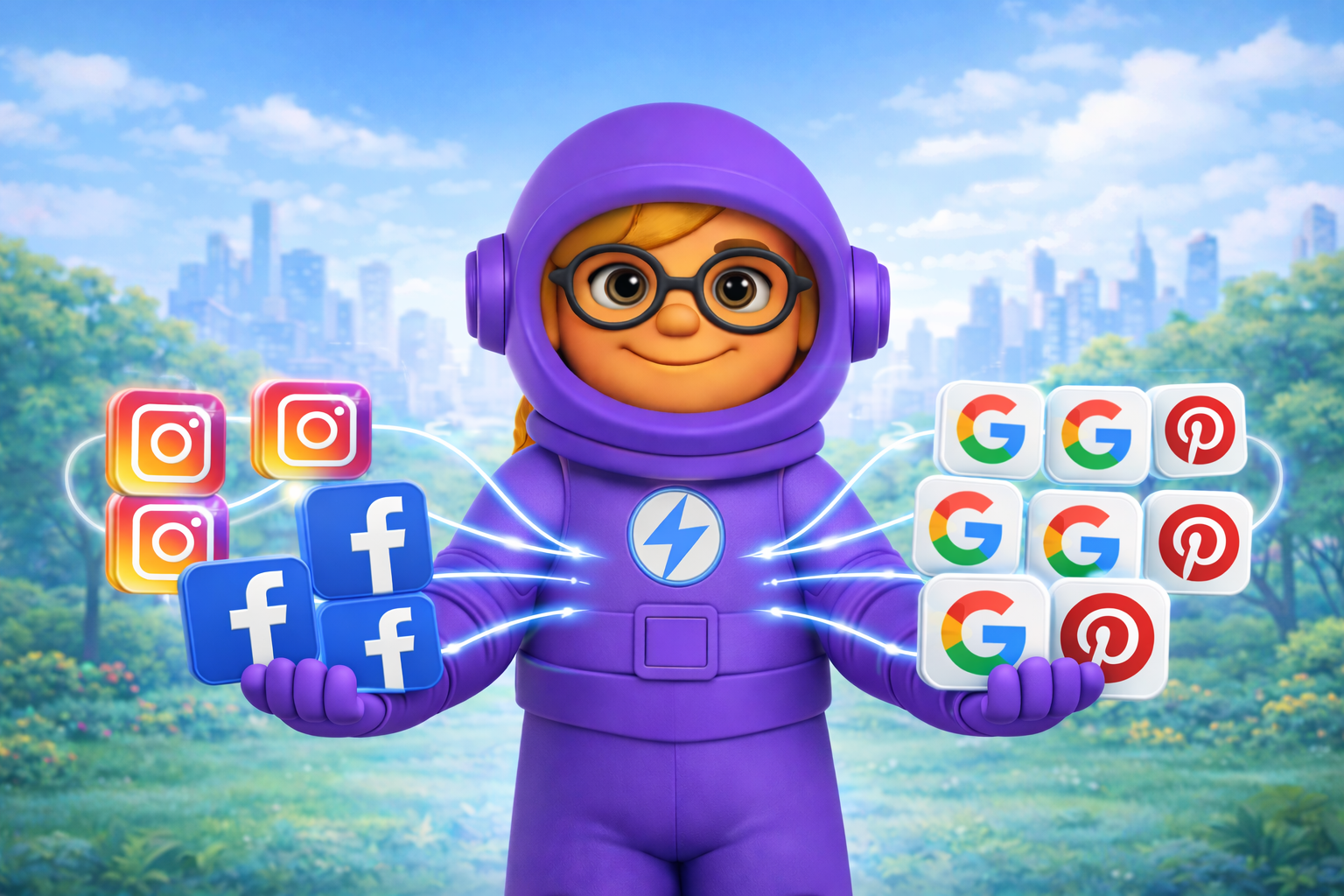
Multi-Account Integrations
Connect multiple pages, profiles, and boards on the same platform—and publish to all of them fully autonomously.
This is ideal for businesses that manage multiple pages on one platform. For example, if your business has three Facebook pages, you can connect all of them under one business and automatically publish the same post across every page at once.
🔗 One Platform, Multiple Accounts
Now you can connect as many Facebook Pages, LinkedIn Organizations, Pinterest Boards, or Google Business Locations as you need to one business.
📤 Publish Once, Reach Everywhere
When you schedule a post, it automatically goes out to every connected account on that platform. One piece of content, maximum reach.
🎯 Granular Control
Each connection is fully independent. Add or remove individual pages without affecting others. Delete a post from one account while keeping it live on the rest.
Getting Started:
Go to Settings → Integrations
Click Add Another on any connected platform
Select the additional pages or accounts you want
Your next post will publish to all of them