March 17th, 2026
Improved
🎯 More Control Over Your Social Media Posts
Hey there, we just rolled out two powerful updates to Social AI — giving you more control over your content and images.
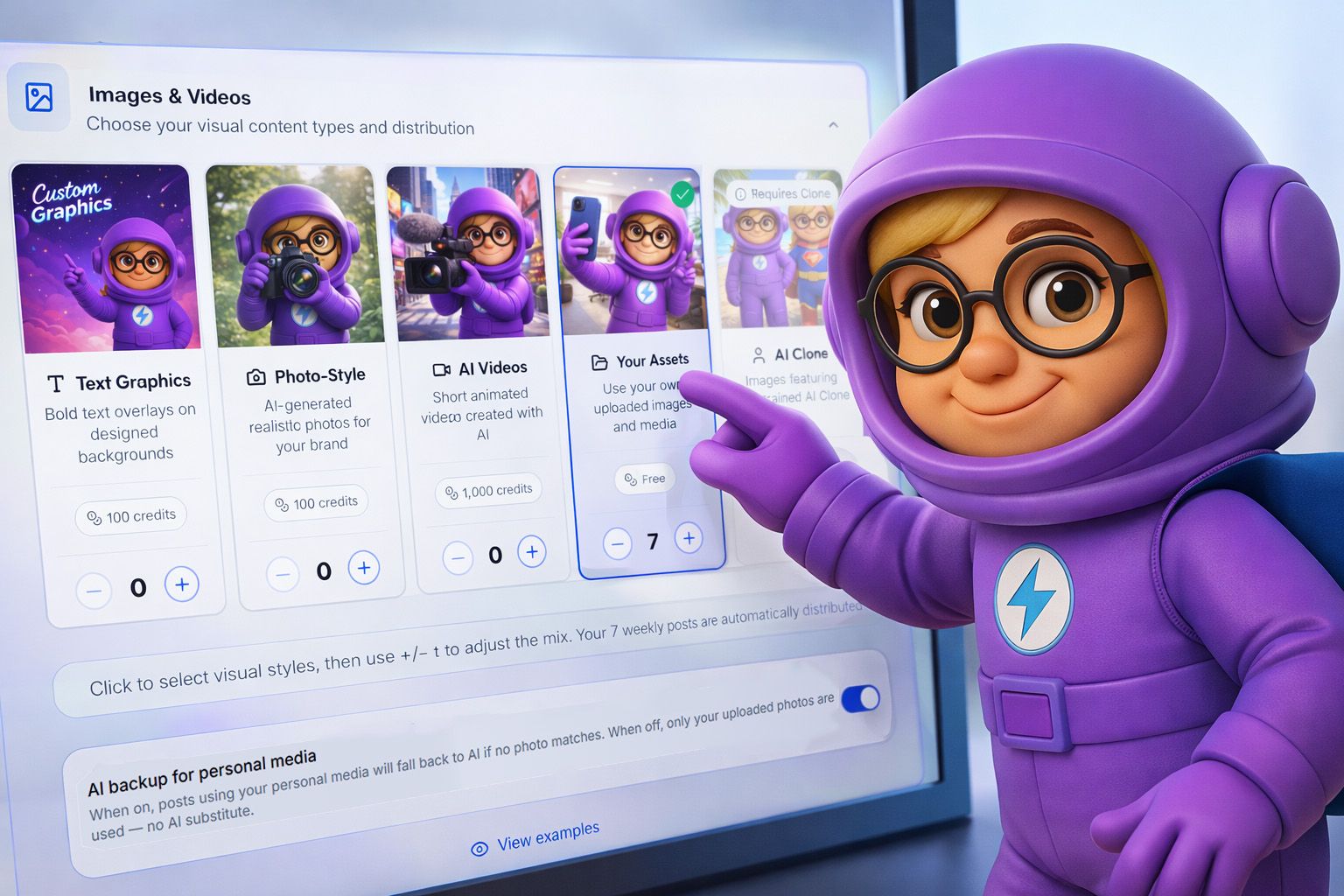
🖼️ AI Backup Toggle for Personal Media Posts
Decide when AI-generated images should be used.
Toggle ON → AI creates a fallback image if no matching media is found
Toggle OFF → Only your uploaded media is used (no AI images)
Perfect if you want every post to feature real photos from your business.
🎯 How to Use It
Go to Automations → Social AI → Settings
Select Preferences → Images & Videos
Toggle AI Backup for Personal Media on or off
💡 Tip: Upload 100+ media assets to increase variety and avoid repeats.
✍️ Custom Single Post Generation
Take full control — or let AI handle everything.
Enter a topic → AI generates a post based on your input
Leave it blank → AI creates posts automatically using your business data
🎯 How to Use It
Go to Automations → Social AI
Click Generate Posts button
Select Generate Single Post
Enter your topic in "What’s this post about?" (optional)
Choose your image preference and generate
More control. Smarter posts. Better content. 🚀