December 16th, 2025
New
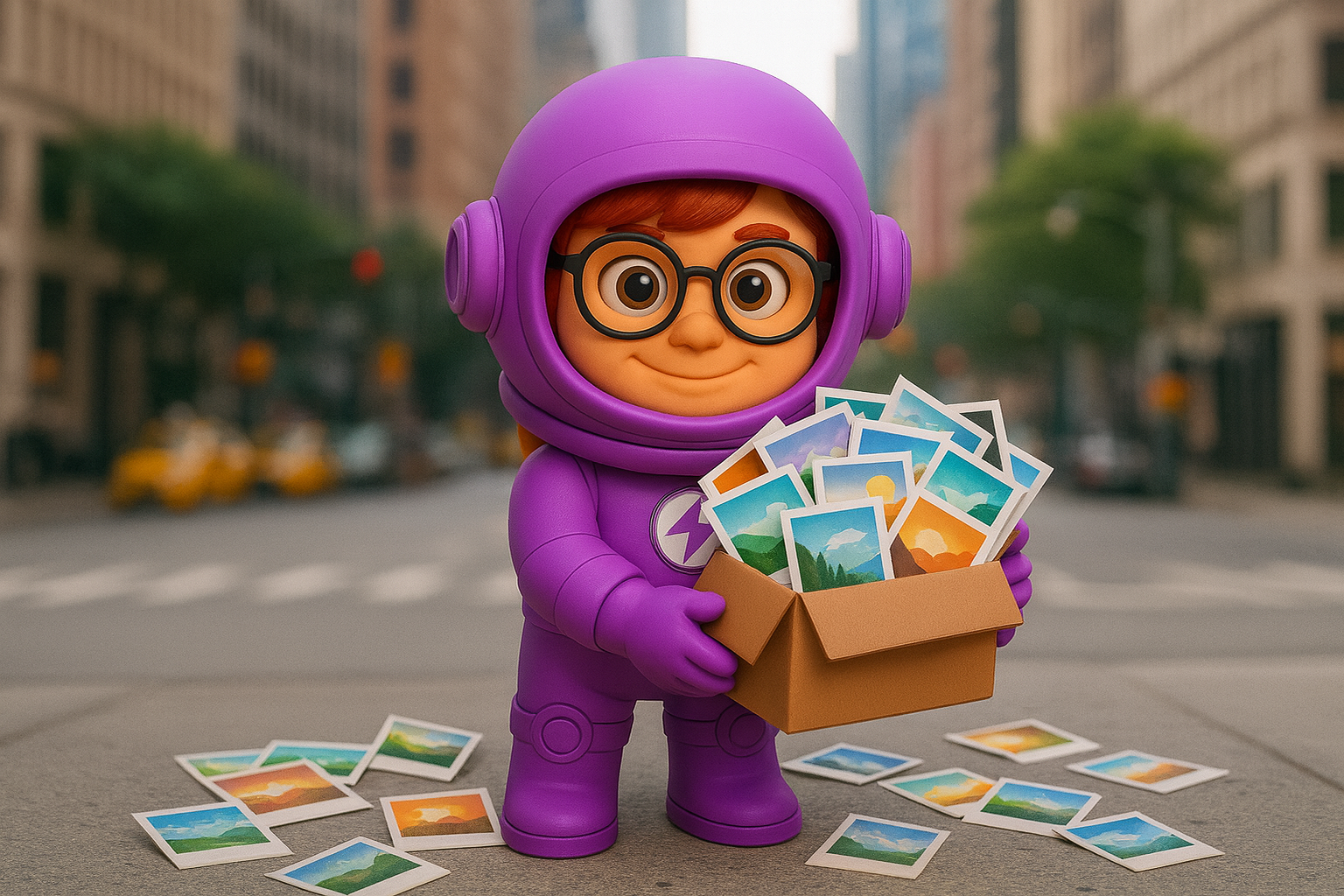
📸 Personal Brand Assets in Social Posts: Your Photos, Your Posts
Your social media just got personal. ClickGrow can now automatically select and use YOUR own uploaded images in your social media posts—bringing authentic, recognizable visuals to your feed.
🚀 What's New
Your Images, Intelligently Selected
Every post features photos that actually represent YOUR business:
📸 Your Real Photos - Images you've uploaded from your business, team, and products
🎯 Content-Matched Selection - AI finds the perfect image that fits each post's message
🔄 Smart Rotation - 90-day cooldown ensures your feed stays fresh, never repetitive
✅ Quality Guaranteed - Only high-resolution, social-ready images make the cut
Zero Generation, Maximum Authenticity
Skip the AI-generated imagery for posts that deserve the real thing
Showcase your actual products, team, location, and brand moments
Build recognition with consistent, authentic visuals your audience knows
Publish Everywhere
Personal brand assets work across all your connected platforms:
📷 Instagram
📘 Facebook
💼 LinkedIn
📍 Google Business Profile
📌 Pinterest
Flexible Content Mix
You're in control of your visual strategy:
📸 Use personal assets alongside AI images, text graphics, and videos
🎚️ Set exact counts for each content type
🔀 Mix and match to create the perfect content balance
🛡️ Smart fallback—if no matching asset is found, we'll create a text graphic instead
✨ How It Works
Upload your images - Add photos to Brand Intelligence → Media Assets
We analyze your content - Understanding each post's message and themes
We find the perfect match - Selecting the most relevant image from your library
🎯 Why You'll Love It
Authentic - Real photos build trust and recognition with your audience
Cost-Effective - 0 credits per image (you already own them!)
Effortless - Same automation, now with your personal touch
Smart - AI matching ensures every image fits the post perfectly
💡 Getting Started
Navigate to Social Media Manager → Settings → Visual Content Distribution
Enable Personal Brand Assets
Set how many posts per week should use your images
Watch your authentic brand shine! 📸
Your social media presence just got real. No stock photos, no AI imagination—just YOUR business, YOUR story, YOUR images. Authenticity, automated! 📸✨