July 3rd, 2026
New
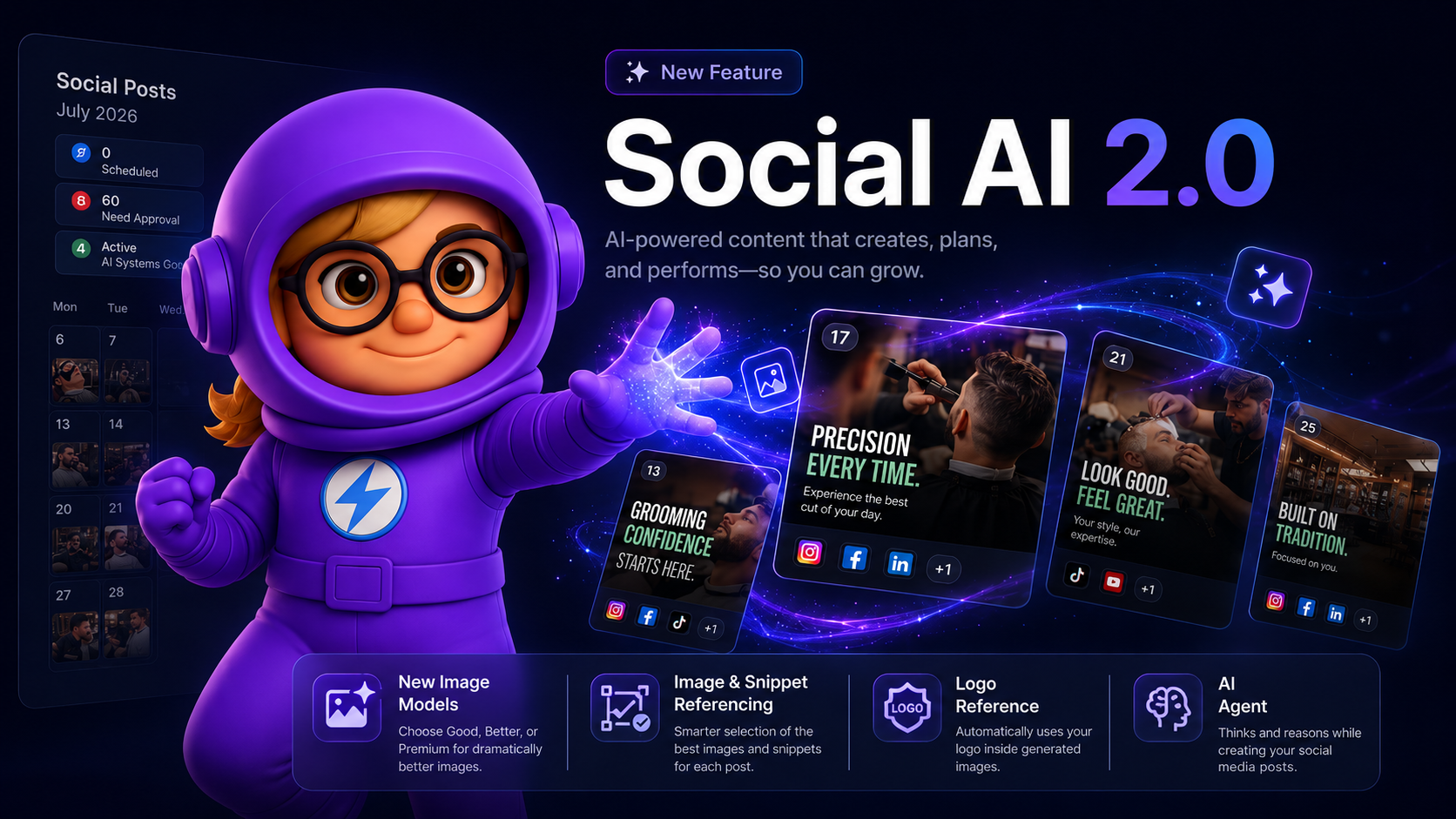
🚀 Social AI 2.0 is Here
Hey there, we just shipped the biggest upgrade to Social AI yet — a full 2.0 release packed with smarter generation, better visuals, and a brand new agent behind the scenes. 🎉
See what’s new and watch the quick demo below. 👇
What's New
🧠 New AI Agent — Social AI is now powered by a fully rebuilt agent that plans your week, picks the right topics, and writes posts with far more context about your business than before.
🖼️ 10x Better Image & Snippet Referencing — Generated posts now pull from a much wider pool of your brand's images and knowledge snippets, with smarter rotation so you stop seeing the same photos and talking points week after week.
🎨 Upgraded Image Quality — New image generation options produce sharper, more on-brand visuals with better text rendering, lighting, and composition.
🏷️ Logo in Posts — Your business logo can now be intelligently placed into generated images where it makes sense — great for promos, announcements, and branded graphics.
🛒 E-commerce Flow — A dedicated content flow for online stores. Social AI now understands products, collections, and promos, and generates posts designed to drive traffic and sales.
🎯 Smarter Weekly Planning — Themes now rotate intelligently across the week and month, so your feed feels varied instead of repetitive.
✍️ Better Captions & Hooks — Rewritten prompts across the board mean stronger opening lines, cleaner CTAs, and captions that actually sound like your brand.
⚡ Faster & More Reliable Generation — Behind-the-scenes performance work means fewer stuck posts, faster batches, and more consistent output.
🔍 Post Intelligence — Click any generated post to see exactly which images, snippets, and brand info were used to create it — full transparency into how Social AI made its decisions.
Why It Matters
Social AI 2.0 isn't just a bigger model — it's a smarter system. It knows your brand better, uses your real assets more, and produces content that feels personalized, varied, and on-brand every single week.
Want better images in your next batch?
Head to Social AI Calendar > Settings (top right) > Select Your Preferences > Image Quality, select Premium, and watch the upgrade kick in. 🚀